
- GUIDES
SideCars
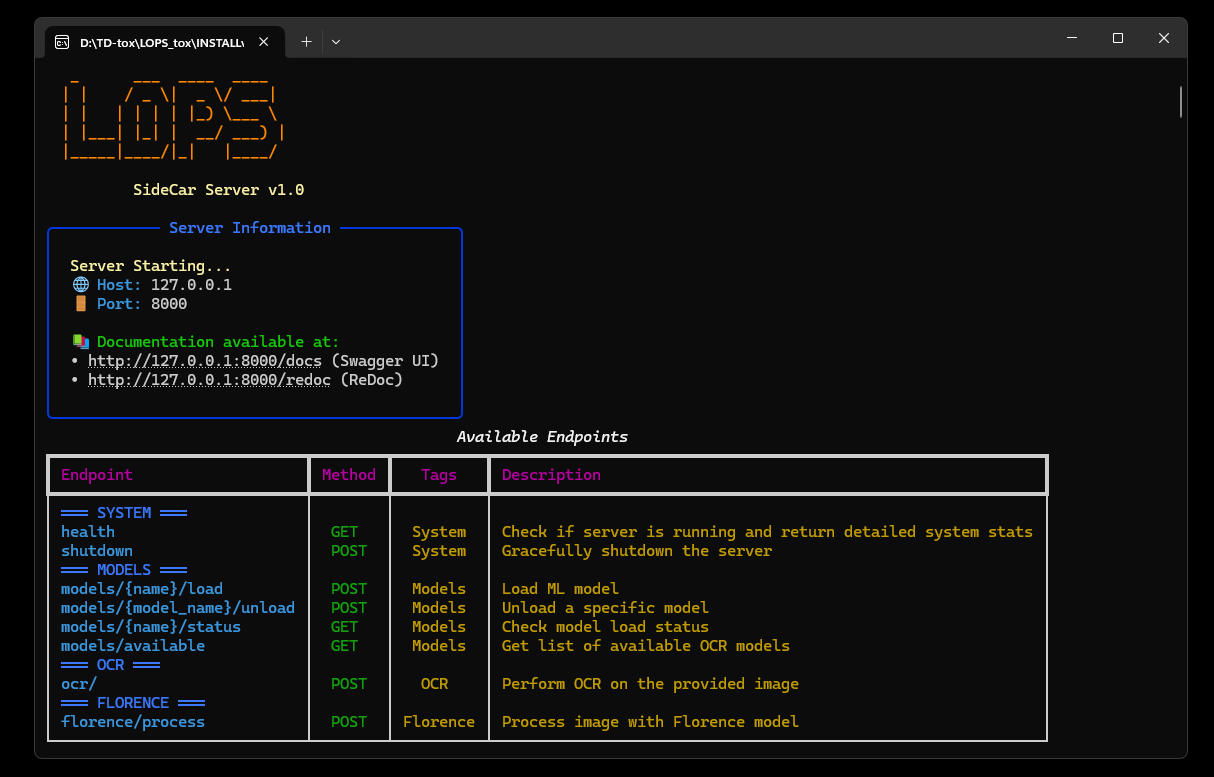
Some LOPs operators need heavier processing — embeddings, OCR, vision models, music generation. SideCar runs those workloads in a separate Python process so they do not block TouchDesigner.
You do not need to set up SideCar before using LOPs. It activates when you use an operator that requires it.
How It Works
Section titled “How It Works”When an operator needs a service, it asks SideCar for it. If the service is already running, the operator uses it immediately. If not, SideCar exports the server files, creates the environment, starts the process, and dispatches queued work once the service is healthy.
Operators That Use SideCar
Section titled “Operators That Use SideCar”- Search RAG —
embedding_sidecarfor vector indexing and search. - Florence and OCR — vision sidecar.
- ACE-Step — music generation.
Speech operators may also use local worker processes depending on provider — check the individual operator pages for STT, TTS, and Voice Activity.
Typical Flow
Section titled “Typical Flow”In most cases you interact with SideCar indirectly:
- Place the operator you need (e.g. Search RAG, Florence).
- Configure its provider, model, or task settings.
- Pulse its process / index / generate button.
- The operator and SideCar handle service startup automatically.
- Check the operator’s status and logs if the service does not come up.
Manual Management
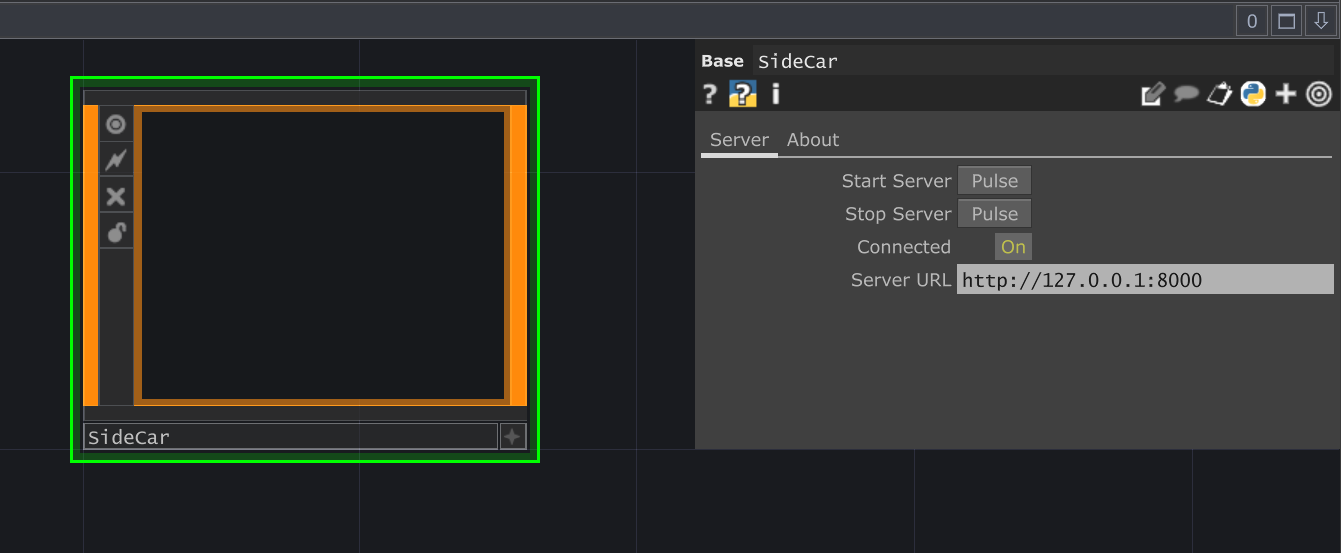
Section titled “Manual Management”Open the Settings UI and go to the SideCar tab when you need to troubleshoot or manage services directly. From here you can export service files, check dependencies, start or stop services, change ports, and inspect health tables.
Troubleshooting
Section titled “Troubleshooting”- Service never connects — check if the sidecar process is starting and whether its port is free.
- Dependency install fails — check SideCar logs and confirm UV is available.
- Model fails to load — check GPU/VRAM requirements on the specific operator’s page.
- Embeddings fail — verify the
embedding_sidecaris healthy and the embedding provider is configured.